Make your account
Sign up once with your name and skill level. One account works at every PickleMeet club, and your stats and journey follow you wherever you play.
PickleMeet has two sides. Pick the one that’s you — each guide walks the exact taps, with a picture at every step.
Seven steps from empty gym to a night that runs itself. You set it up once; PickleMeet handles the calling, the queue and the scores.
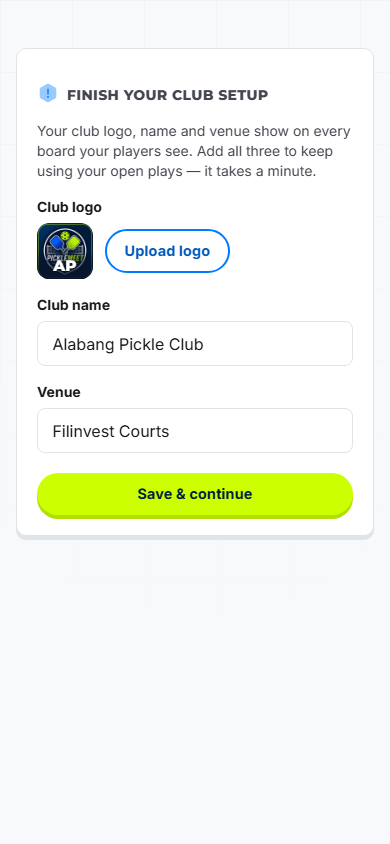
Sign up as an organizer, then add your club name, logo and venue. This is what players see on the board and your club page — set it once and it’s on everything.
Tip: add co-organizers so someone else can help run the night.

Pick your courts, the rotation format (open, by skill level, winners & losers, ladder, or DUPR), a player cap, and an optional fee. Turn on advance booking if you want players to reserve a slot.
Tip: not sure which format? Start with Open — it just keeps every game fair.

Every session gets a QR code and a 5-letter code. Put the QR on a table or screen; players scan it with their phone camera — nothing to download. Read out the 5-letter code for anyone whose camera won’t scan.

As players check in they land in your roster. Approve them with one tap the first time — or leave approval off and let everyone in automatically. You stay in control either way.
Tip: payment status is private — only you see who has paid.

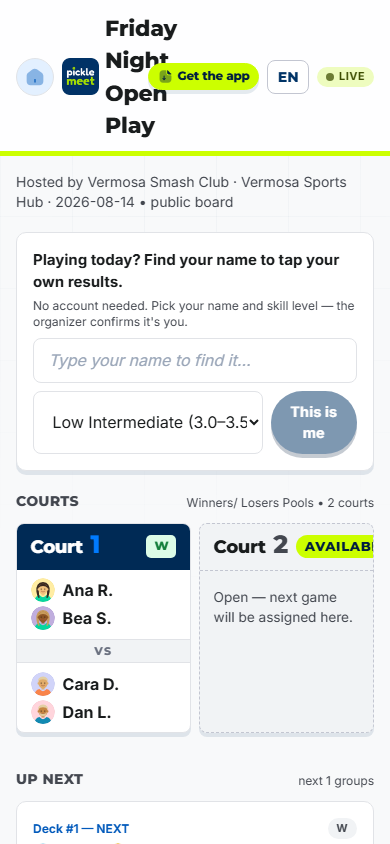
Hit start and PickleMeet calls the next fair four to each open court and buzzes their phones. When a game ends it locks the court and calls the next group. You just watch it work.

The four on court tap who won — one tap, from their own phones. Leaderboards, streaks and every player’s stats update instantly. A slip? A quiet 10-second undo fixes it.

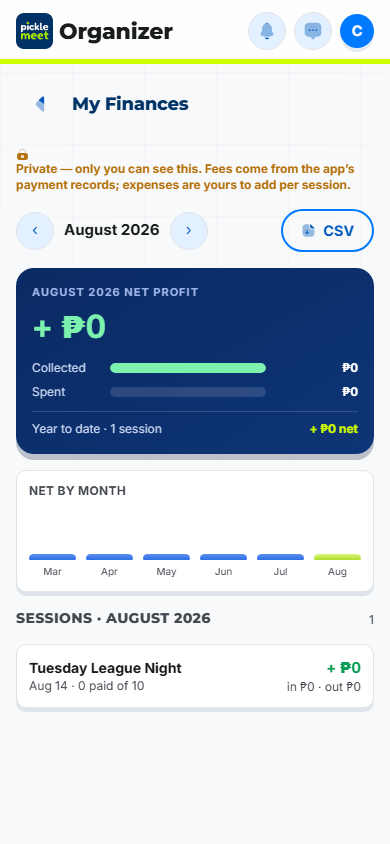
End the session and everyone gets a thank-you with the final leaderboard. Your My Finances view totals what the night made, and DUPR sessions export a match file in one click.

No clipboard, no waiting to be told your turn. Six easy steps and your game starts working for you.

Sign up once with your name and skill level. One account works at every PickleMeet club, and your stats and journey follow you wherever you play.

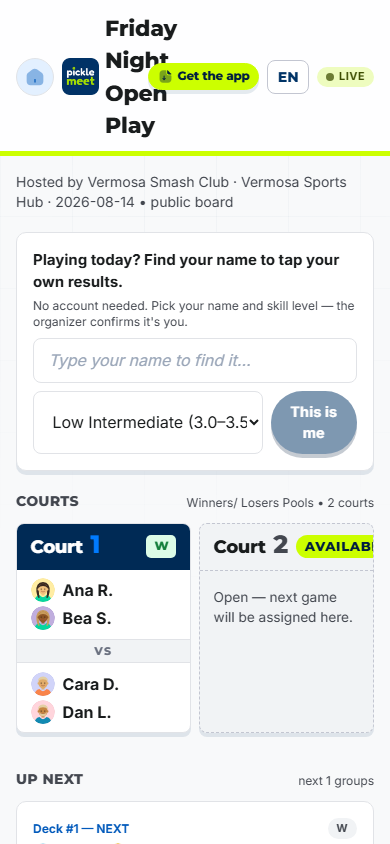
Point your phone camera at the session’s QR code, or type the 5-letter code the organizer shares. You’re in — no app store, no download.

Confirm your name and skill level and you’re in the fair queue. If the organizer uses approval, a quick wave lets you in — then you’re set for the night.

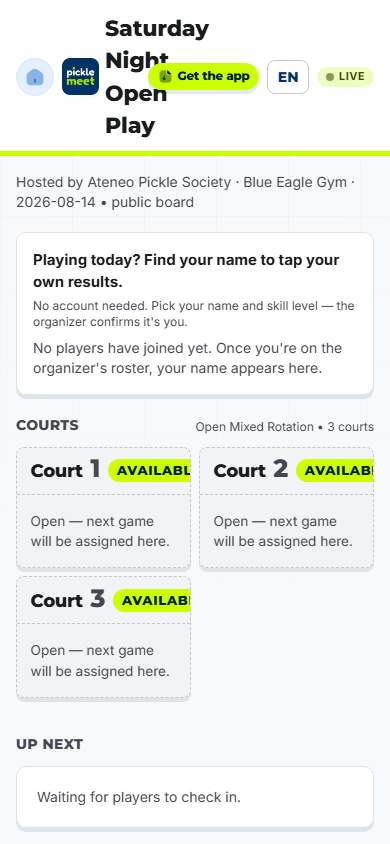
Watch the live board from your phone — who’s on, who’s next, and your spot in line. When it’s your turn your phone buzzes and the board calls you to a court.

Game over? Whoever won taps it in — one tap, right from the court. Your win, streak and rating update on the spot, on every phone and the venue TV.

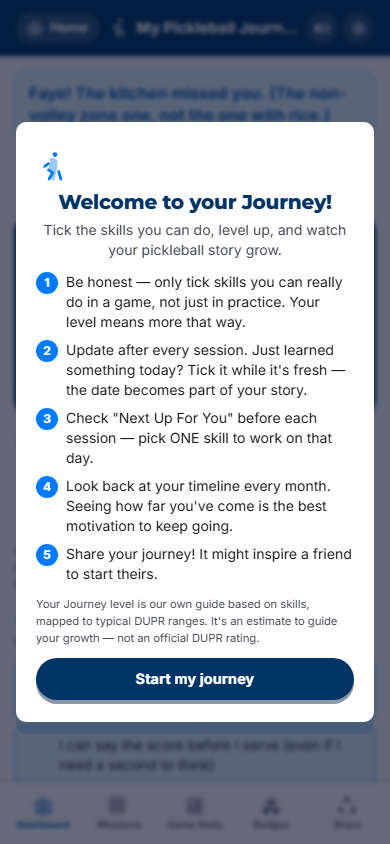
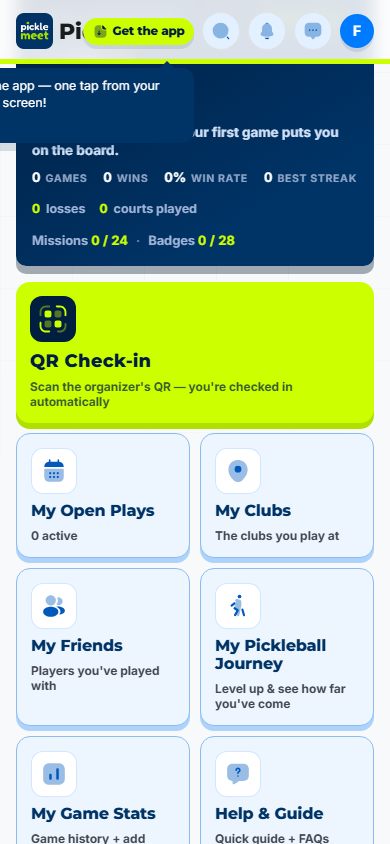
My Pickleball Journey turns every game into progress — badges, missions, level-ups and win-rate trends that show what to practise next. Add your outside games too.
Still have a question? Read the FAQ →